


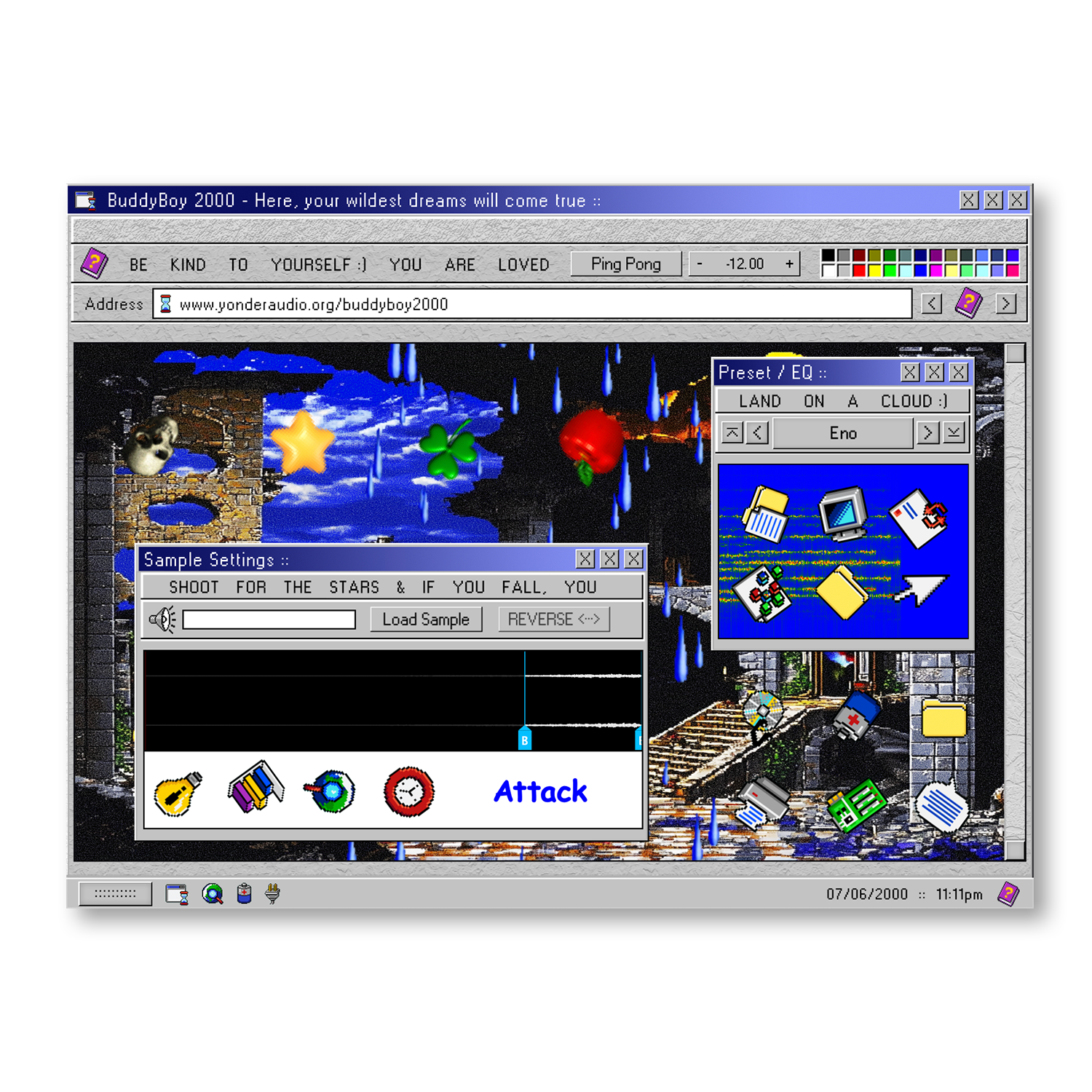
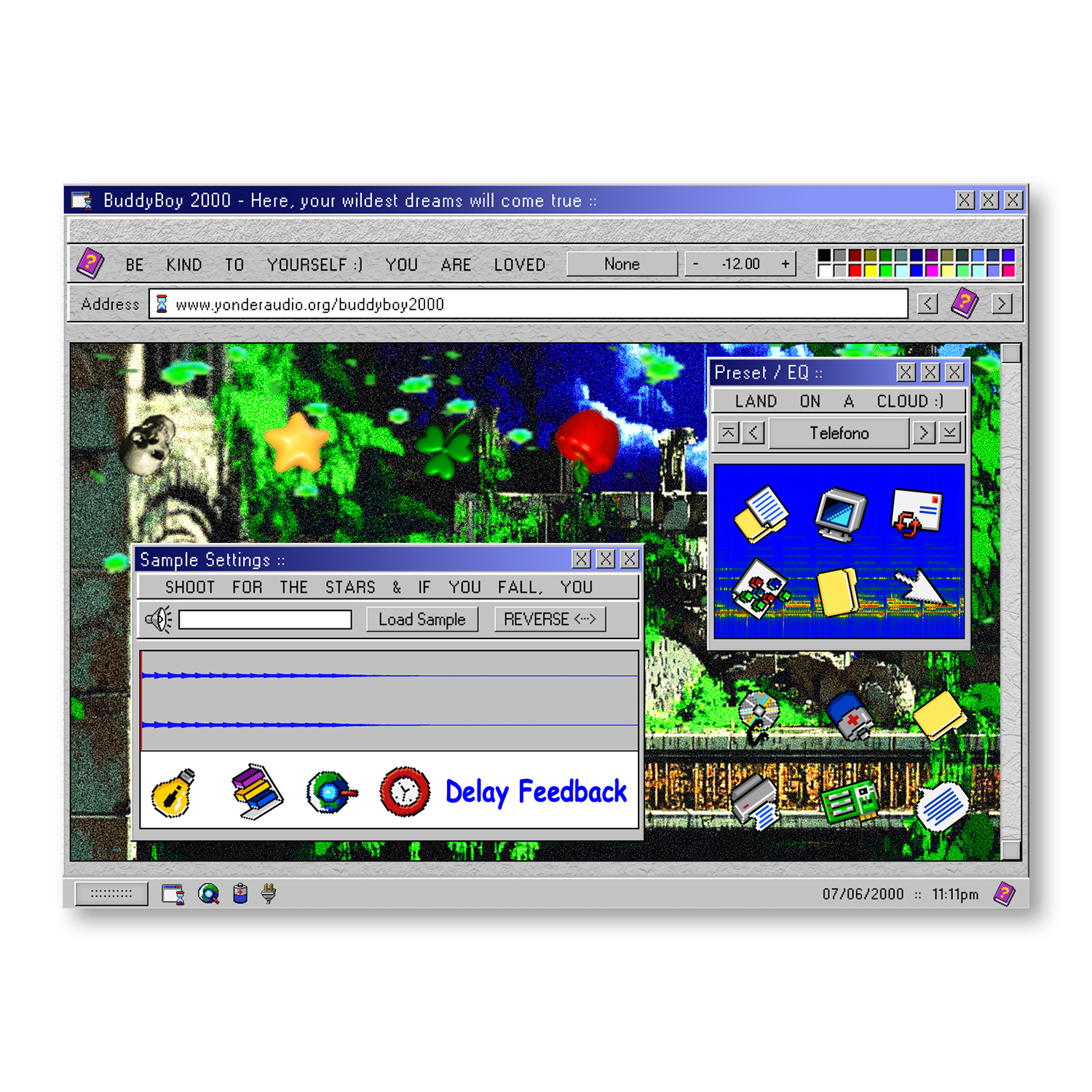
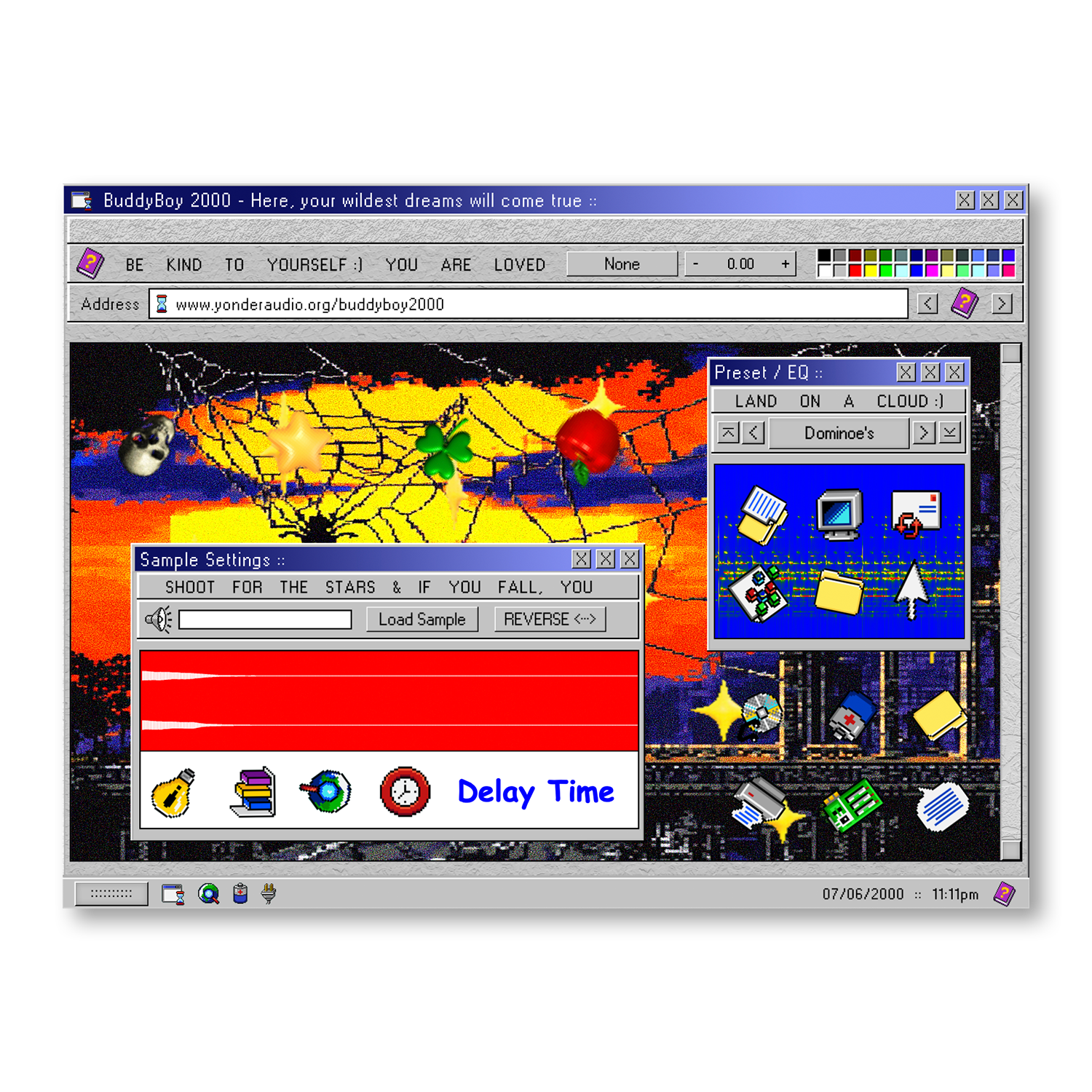
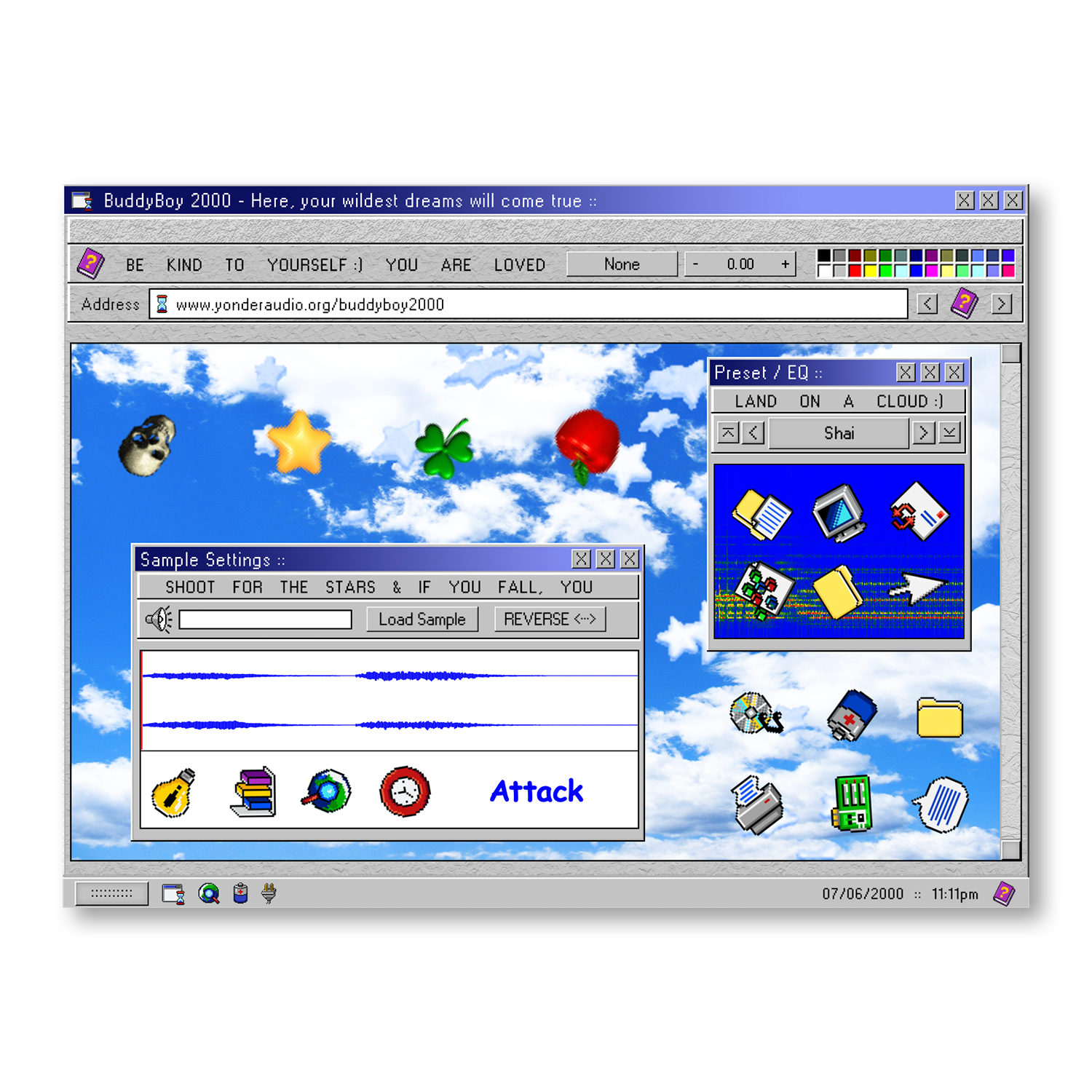
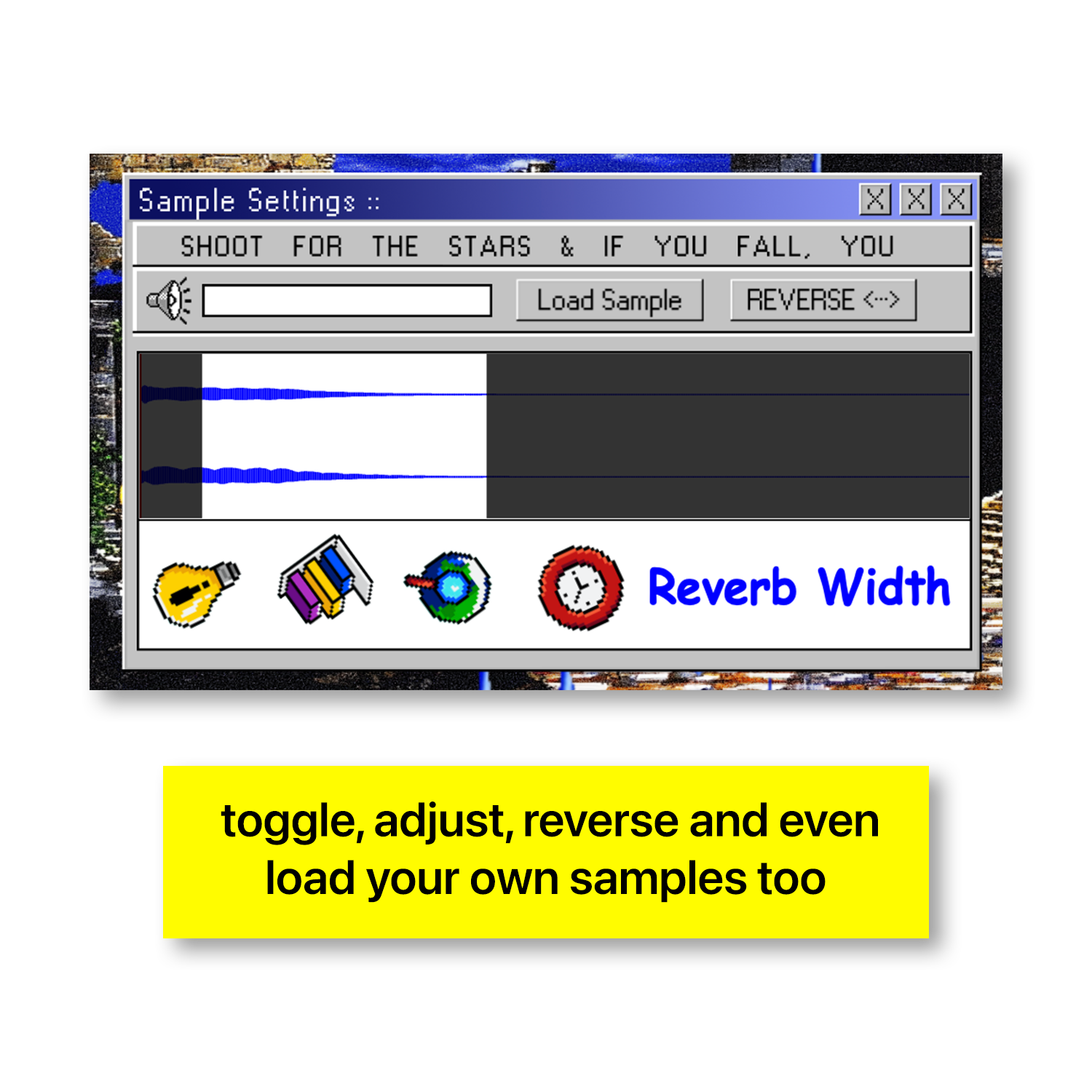
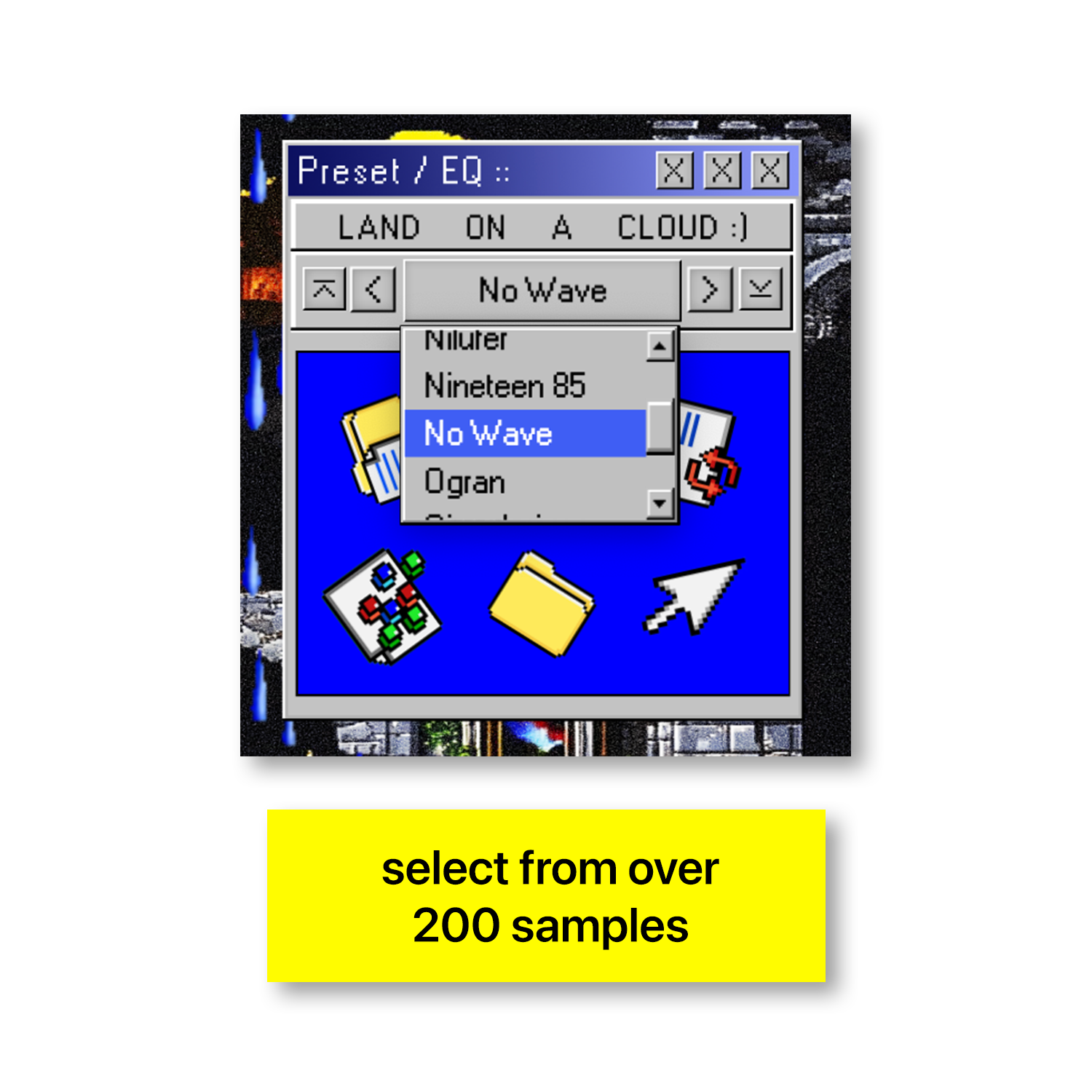
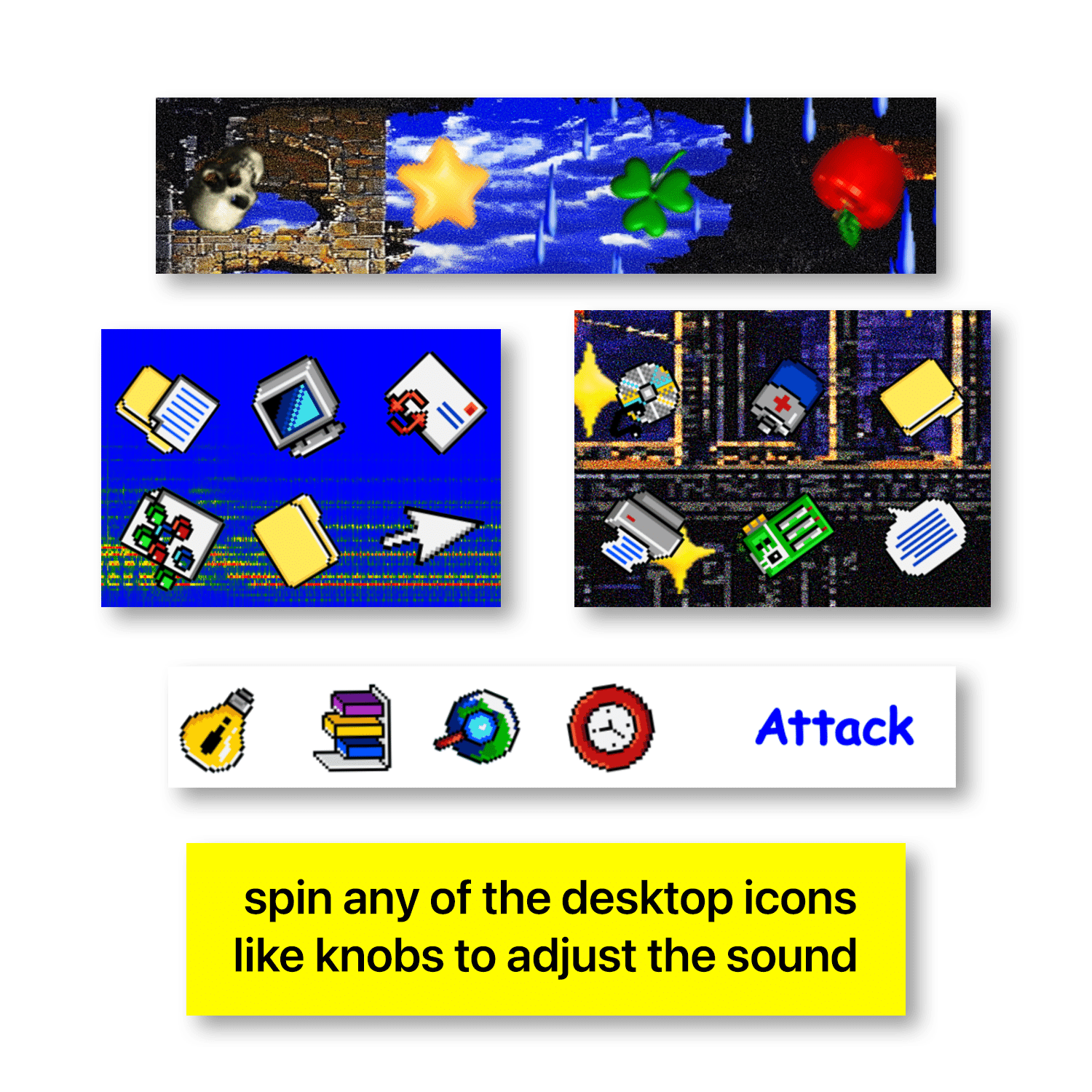

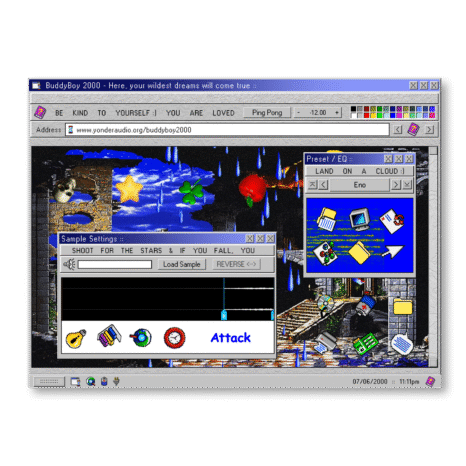
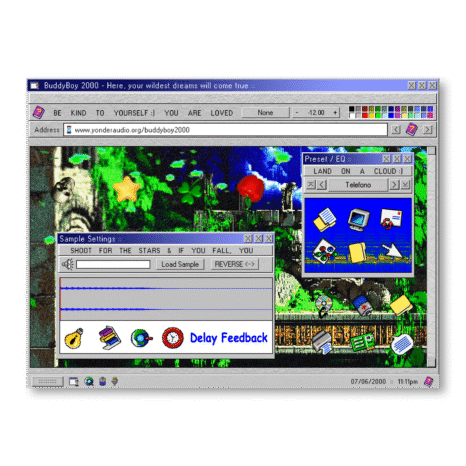
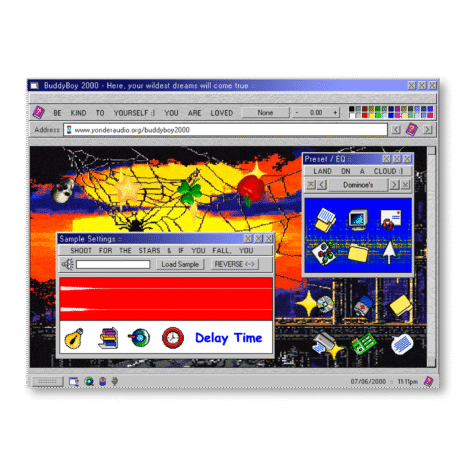
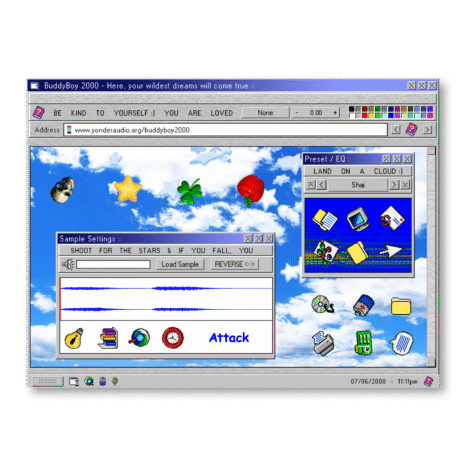
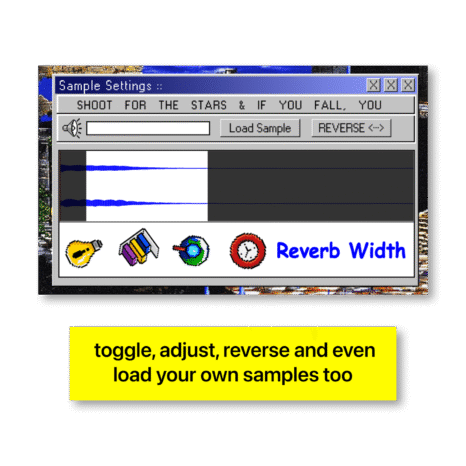
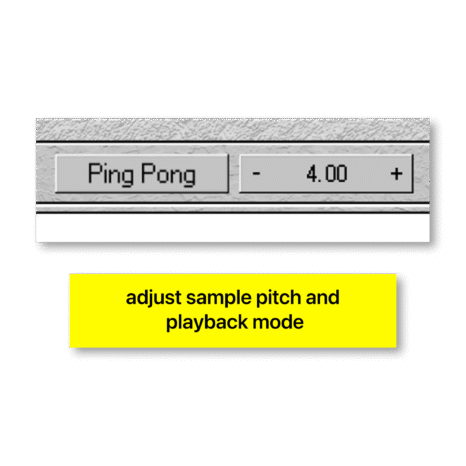
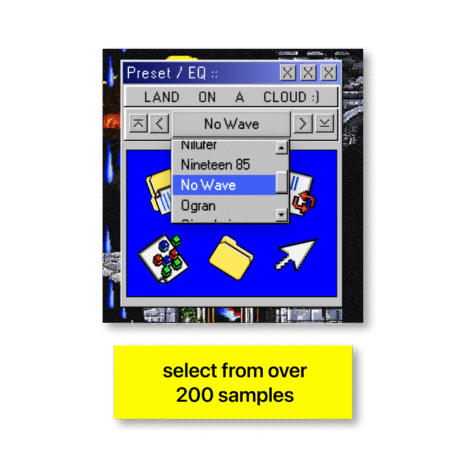
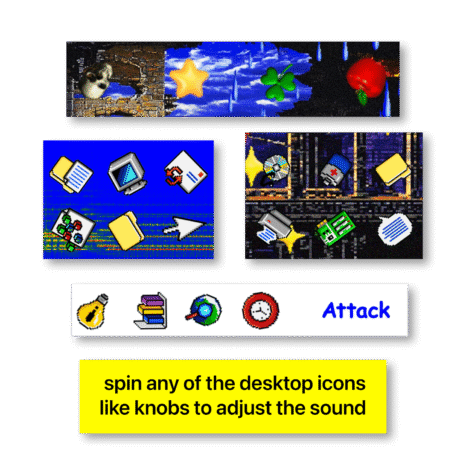

Buddyboy 2000 is a behemoth of a sampler. It comes stocked with 200 custom sample presets and virtually limitless sound-manipulation options. You’re never gonna run out of ways to create a new auditory sensation with this thing. All 200 sounds were carefully selected and sampled from vintage keyboards, analog synths, wacky instruments, field recordings, the human voice, and even the sound of my washing machine run through 20 layers of processing. The list goes on and on. It was a blast to build and even more of a blast to tinker with. The interface is fully customizable, and you can save and load your own custom samples!.
Overview
Buddyboy 2000 is a powerful sampler packed with 200 custom presets and endless sound-shaping possibility. Its fully customizable interface and diverse library of samples make creating new sonic textures effortless and fun.
Features
-Emulates a classic analog synthesizer
-Features a vintage-inspired desktop interface
-Combines traditional warmth with modern technology
-Extensive control for detailed sound design
-Wide range of parameter controls ranging from LFO to PWM to the basics like attack and decay
-Real-time processing
-Supports VST3 for PC and AU for Mac
-Requires Mac OSX 10.13 or higher or Windows 7 or higher
-File size is under 200MB
-No iLok required for activation
-Subscription valid on up to two machines
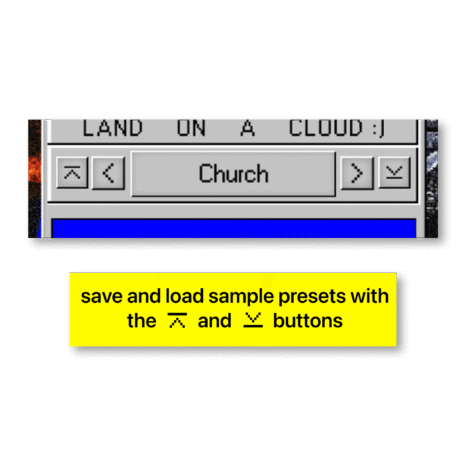
-Includes preset saving and loading for quick recall of custom sounds
-Low CPU usage ensures smooth performance on various systems
-Compatible with major DAWs including Ableton Live, FL Studio, Logic Pro, Pro Tools, Garageband, Cubase, Reaper, and Bitwig
Demo
FAQ
How do I activate my subscription?
After purchasing your subscription, enter the activation code from your Activation Codes folder upon downloading the plugin.
Can I save and load my custom presets?
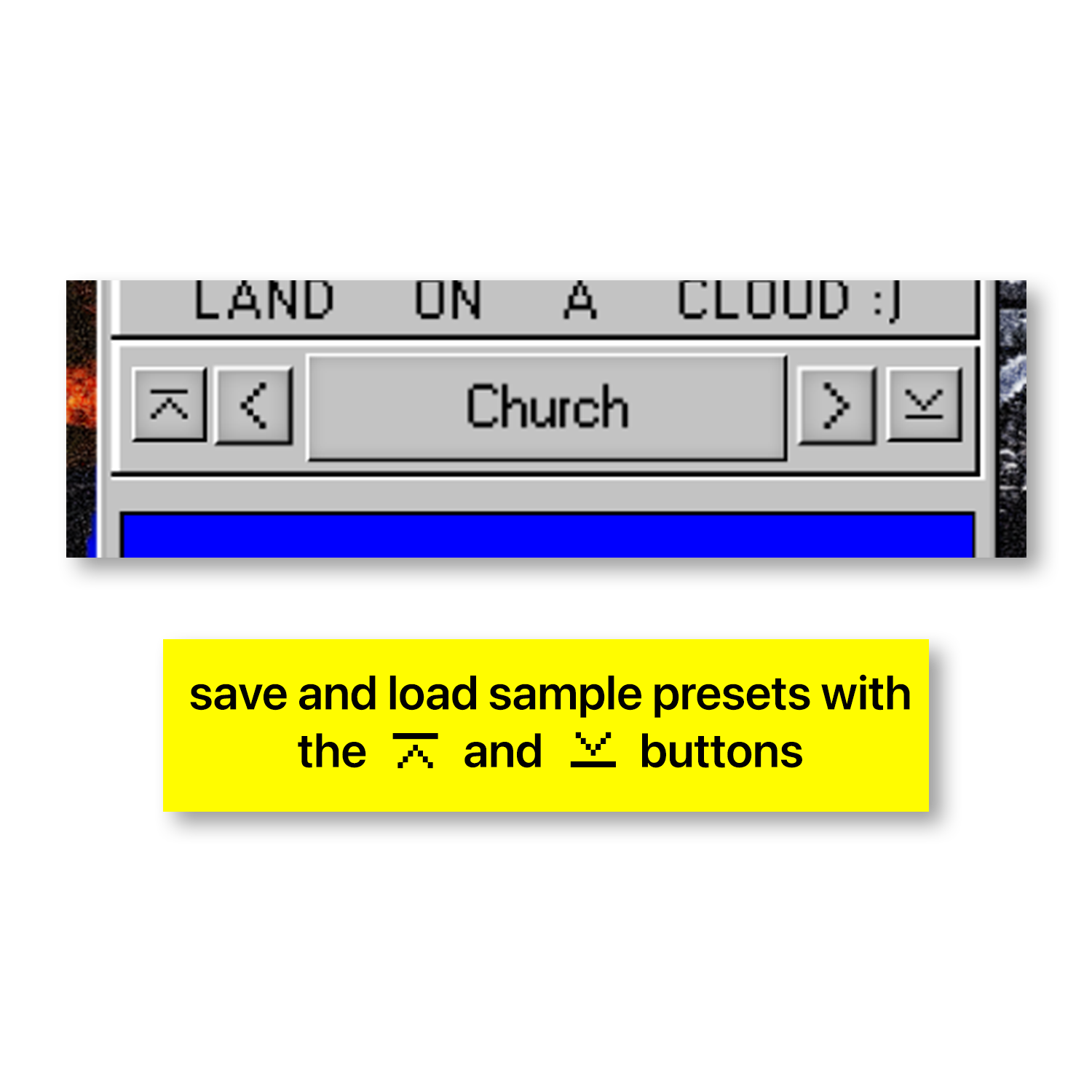
Yes, presets can be saved and loaded using the save/load icons next to the parameter/preset window.
How many machines can I use the subscription on?
The subscription is valid on two machines.
What are the system requirements for Mac and PC?
Mac OSX 10.13 or higher OR Windows 7 or higher.
Is iLok required to use the plugin?
No, iLok is not required!
How large is the plugin file?
The file size is under 200MB, requiring only a small amount of storage.
Is real-time processing available?
Yes, all adjustments can be heard in real-time as you tweak the settings.
How do I access the presets?
There are dozens of presets available that you can choose from by clicking to achieve a variety of sounds and effects.
Is the plugin compatible with both Mac and PC?
Yes, it is compatible with VST3 for PC and AU for Mac.
Which DAWs is the plugin compatible with?
It is compatible with Ableton Live, FL Studio, Logic Pro, Pro Tools, Garageband, Cubase, Reaper, and Bitwig.